
Cursive Text Generator: Copy & Paste
Cursive text generator instantly turns the words you type or paste into elegant cursive and script-style Unicode text. Copy a cursive style below to style your Facebook posts, WhatsApp status, and invitations in seconds, then copy and paste it anywhere.
Intro:
No more plain, boring text — want to make your announcements and invitations more engaging on Facebook and WhatsApp? Try our free cursive text generator, no download needed. It instantly turns your normal writing into elegant cursive letters made from Unicode characters, supported across almost every platform — just copy and paste. Whether you searched for this as a cursive font generator or typed ‘letras cursivas,’ you’re in the right place — our tool works the same no matter what language you speak. Pick from many cursive writing styles that look like real handwriting, and choose whichever one catches your attention.
What Is Cursive Text?
Cursive text is a handwriting-style font where the characters flow together in smooth, connected strokes. Our cursive font generator offers many elegant variations of cursive writing, giving your text a curved, calligraphy-like feel, and since it’s Unicode-based, there’s nothing to install. Search for it as “cursive text generator,” “letra cursiva,” or “letras cursivas” — in every language, this cursive text generator produces the same styled result.
Connected vs Disconnected Letters
In connected writing, letters within a word flow into one another through joining strokes — this is what gives cursive its smooth, continuous look. In disconnected writing, like standard print, each letter stands completely separate with no connecting strokes. This is the core visual difference between the two styles, and it’s part of why flowing script can feel more personal and expressive, while print stays clean and easy to scan quickly.
Origins of Cursive Writing
Cursive writing has a much longer history than most people realize — connected lettering dates back to Roman Cursive nearly 2,000 years ago. However, the elegant, looping style we recognize today, known as Copperplate, became popular in the 17th and 18th centuries, when writers used quills to write faster and more smoothly. As pens, pencils, and keyboards became common, cursive was gradually replaced by simpler block letters that were easier to read. Even so, it remains useful today — especially for signatures, email sign-offs, and reading historical documents.
Where Is Cursive Still Used Today?
Even in a digital world, cursive still takes your attention. You’ll still see it on formal signatures, wedding and event invitations, and hand-lettered calligraphy pieces. Brands also lean on cursive logos and packaging to feel more elegant, personal, and premium than plain block text. It’s less about everyday writing now and more about adding a touch of sophistication where it matters most.
How Does This Tool Create Cursive Text?
Just type a short phrase, signature, or heading into the cursive font generator, and it instantly converts your normal letters into stylized Unicode characters — while leaving spaces, punctuation, and emojis unchanged. Since these are real Unicode characters and not images or custom fonts, computers and apps read them just like regular text, which is why they paste correctly almost everywhere. No installation or special software is needed — the conversion happens instantly, right in your browser.
Unicode Makes It Possible
Unicode is a universal character system used by every modern device, which is exactly why this works. Each cursive letter you see here isn’t a downloadable font — it’s a special Unicode character that’s simply designed to look like flowing, connected handwriting. Since Unicode is already built into phones, browsers, and apps, there’s nothing to install. You just copy the character and paste it anywhere, and it displays exactly the same way it did in the generator.
How to Use Our Cursive Text Generator?
A cursive text generator makes it effortless to turn plain text into elegant, flowing script. Just follow these steps:
- Type or paste your text into the input box.
- Search for a specific style, or browse the categories to find the perfect cursive look.
- Adjust the size slider for a bigger or smaller preview.
- Copy your favorite style and paste it into your Instagram bio, WhatsApp status, or wedding invitation design.
Cursive Letters from A to Z
Every letter of the alphabet has its own cursive form, and this hub shows you all 26 — capital and lowercase — in one place. You may have learned a slightly different version of some letters back in school, and that’s completely normal — there’s no single “correct” cursive style, which is exactly why we offer multiple script variations below.
This quick-reference grid is separate from the main generator above — use it when you just need one letter fast. Tap any letter to copy it instantly, or use the “Copy All” button above each grid to copy every uppercase or every lowercase letter in one go.
Why people search for single cursive letters:
- Monograms — your initial styled for a bio or display name
- Username initials — a single letter that still reads clearly even at small sizes
- Decorative accents — one styled letter placed alongside plain text for contrast
- Signature lines — an initial at the end of a message or comment
Monograms in particular are one of the most widely used styles worldwide, popular for Instagram bios, signature lines, and short TikTok headers.
See the difference between styles — the same letter can look completely different depending on which script you choose:
Some letters are searched for more than others — cursive J, cursive R, and cursive Z are popular choices for initials and monograms, since their flowing tails and loops make them especially eye-catching in signatures and tattoos. Others, like cursive B, cursive D, and cursive N, are prized for how cleanly they connect into the rest of a word, keeping your cursive writing smooth and legible. Whether you search it as “cursive J” or “J in cursive,” “cursive R” or “R in cursive,” or “cursive N” or “N in cursive” — you’ll land on the exact same styled letter in the grid below.
If you came here looking for cursive S, S in cursive, cursive K, or cursive M, you’ll find each one below in both uppercase and lowercase — along with G in cursive and cursive E, which round out the letters people search for individually most often.
Whichever letters catch your eye, every cursive style here copies instantly and works across Instagram, WhatsApp, and any app that supports Unicode text.
Cursive Name Generator — Styling Your Name
Your plain name can be transformed into something far more eye-catching with a cursive name generator. If you want your name to stand out, shorter names tend to work best with bold or decorative cursive styles, while longer names look cleaner with simpler scripts.
Quick rule, by length:
- 1–5 letters: Bold Cursive or Underlined Cursive — the extra weight keeps a short name easy to read at a glance.
- 6–10 letters: Classic Elegant Script — balanced and legible without losing personality.
- 11+ letters: Elegant Script, plain, or a lightly decorated wrap style — simpler strokes stay readable even at longer lengths.
Different Styles of Cursive Text Generator
Not every cursive style looks the same — some are soft and elegant, others bold and eye-catching, and a few add small decorative touches like underlines. Here’s a closer look at each style our cursive text generator offers, so you can pick the one that fits your name, signature, or bio best.
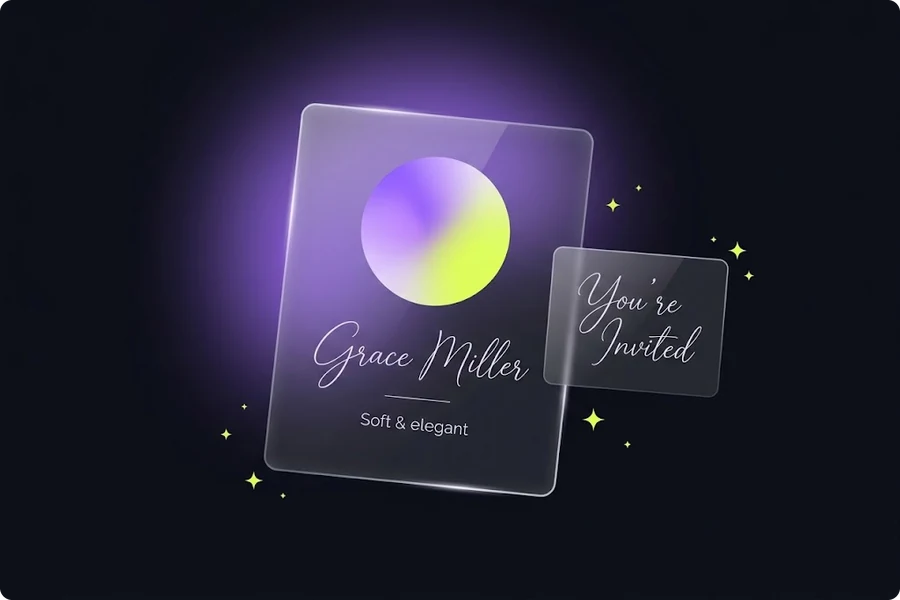
Classic Elegant Script
𝒢𝓇𝒶𝒸ℯ
This is the most traditional cursive look — thin, flowing strokes that closely resemble real handwriting. It’s a popular choice for Instagram bios, formal invitations, and anywhere you want a soft, refined feel.
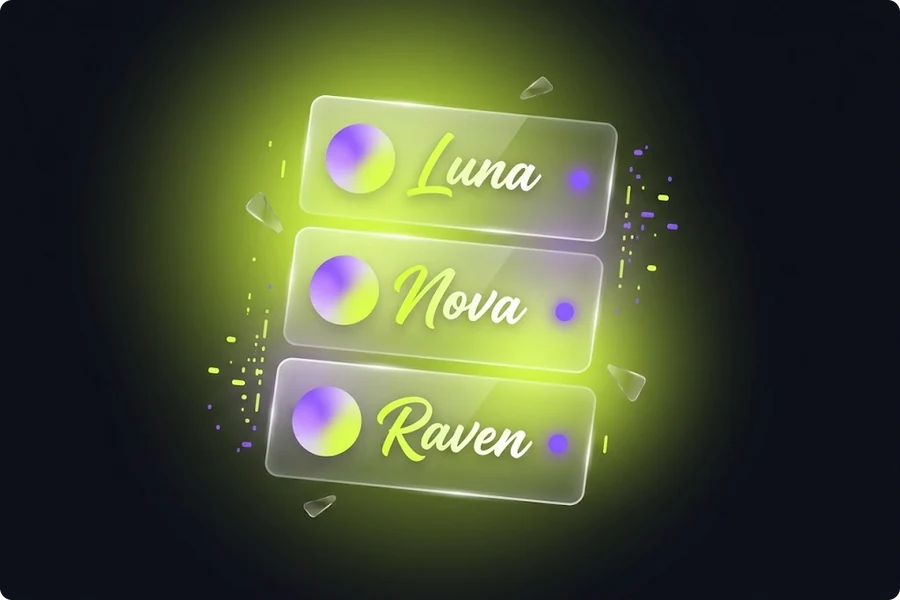
Bold Cursive Style
𝓖𝓫𝒶𝓀𝒲
A thicker, more confident version of flowing script. The bold strokes make it easier to read at smaller sizes, which is why it’s a favorite for usernames and display names on TikTok and Discord.
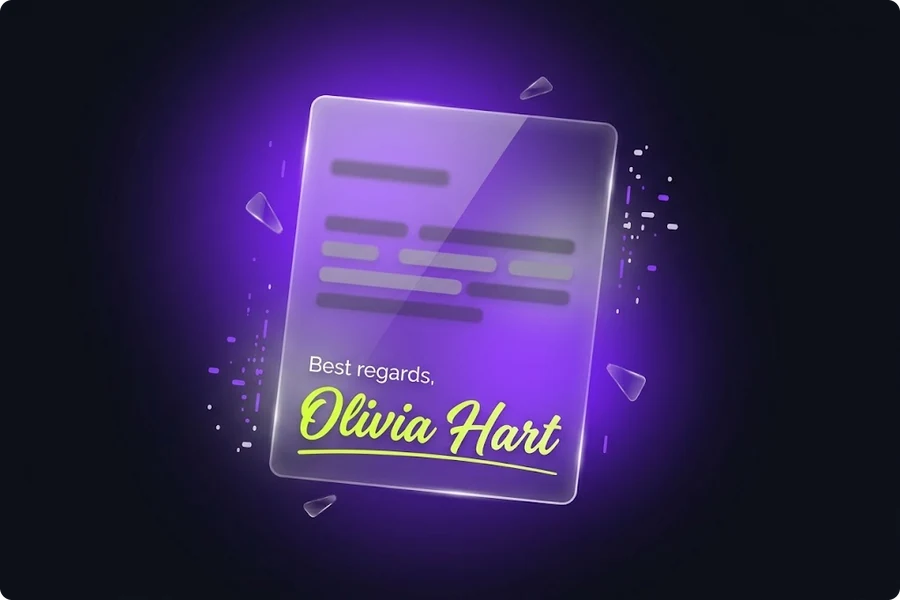
Underlined Cursive
𝓖̲𝓫̲𝒶̲𝓀̲𝒲̲
Adds a clean underline beneath your bold cursive text, giving it a signature-like finish — great for email sign-offs or adding emphasis to a name.

Reverse Cursive
𝒲𝓀𝒶𝓫𝓖
A playful, mirrored take on flowing script, read right to left. It won’t work for everyday messages, but it’s a fun, attention-grabbing option for captions or creative posts.
Elegant Script with Underline
𝒢̲𝓇̲𝒶̲𝒸̲ℯ̲
Combines the soft, classic script style with a subtle underline — a slightly more formal option than the bold underlined version above, well suited for signatures and personal branding.𝒢̲𝓇̲𝒶̲𝒸̲ℯ̲
Popular Uses for Cursive Fonts
Cursive fonts from our cursive text generator work across almost every digital and social media platform — Instagram, WhatsApp, Discord, you name it. That’s different from a traditional cursive font installed in Microsoft Word, which usually only displays correctly in documents or printed material, exactly as we covered earlier in our Unicode comparison.
This makes flowing script genuinely useful in professional settings too — its elegant style helps your digital presence feel more personal and polished, whether that’s on Facebook or LinkedIn, a friend’s site in France searching for ‘écriture spéciale,’ ‘belle écriture,’ or ‘police d’écriture’ (French for special writing, beautiful handwriting, and script font), or someone in Japan typing 筆記体 — the Japanese term for this same flowing, cursive-style script. No matter what you call it, the result is the same: text that feels handwritten, wherever you use it.
Instagram Bio Elegance
𝓀𝒶𝓃𝒹𝓇𝓇𝓁𝓂𝓀𝓉
A single styled word can completely change how your Instagram bio feels. Instead of a plain caption, cursive turns a word like “wanderlust” or your name into something that feels personal and put-together — no design skills needed, just copy and paste.
Weddings and Celebrations
ℱℴ𝓇ℯ𝓫ℯ𝓫
Cursive has long been the go-to style for wedding invitations, save-the-dates, and place cards, and that hasn’t changed in the digital world. Couples now use it for WhatsApp group announcements, Instagram countdown posts, and digital invites that still feel handwritten and heartfelt.
Email Sign-Offs & Personal Messages
𝒲𝒶𝓫𝓂𝓁𝓎
A cursive sign-off like “Warmly” or your name adds a small, thoughtful touch to an otherwise plain email or text message — especially nice for birthday wishes, thank-you notes, or a personal message that deserves more than default font.
Signatures and Branding
𝓑𝓅𝓈𝓈𝓎
Small businesses and freelancers often use cursive for their brand name or logo text, since it instantly reads as elegant and premium — think flower shops, bakeries, or boutique brands on Etsy or Instagram storefronts.
Copy and Paste Cursive Text — What to Know?
With our cursive text generator’s copy and paste feature, the styling is built directly into the characters themselves — so there’s nothing to format manually. Just copy your cursive text and paste it wherever you need it. That said, how it looks can vary slightly depending on the platform you paste it into, since not every app displays every Unicode character the same way.
Where Pasted Cursive Keeps Its Styling?
Cursive text generated here keeps its styling almost everywhere text normally appears — Instagram captions and bios, WhatsApp and Discord messages, Facebook posts, and most modern browsers and note-taking apps. Since it’s real Unicode text and not an image, it also pastes correctly into Word documents and most messaging apps without any extra steps.
When the Styling Disappears?
There are a few places where cursive styling can break. Many platforms restrict special characters specifically in username or handle fields, even though the same styling works fine in your bio or posts — so if your cursive username won’t save, try using it in your display name or bio instead. Very old apps or basic phone models with limited Unicode support may also show empty boxes instead of the styled text. It’s also worth knowing that screen readers used for accessibility can sometimes struggle to read stylized Unicode text aloud correctly.
Copying on Mobile
Copying text from this cursive text generator on iPhone or Android works exactly the same as on desktop — tap the copy button, then long-press in the app you’re pasting into and select “Paste.” No extra apps or keyboard changes needed, since your cursive text is just regular Unicode text underneath the styling.
Why Choose Our Cursive Text Generator?
- 100% free, no payment or sign-up required
- No download needed — just copy and paste
- Instantly search for your favorite cursive style instead of scrolling through every option
- Adjust the size to preview exactly how your text will look before you copy it
- Full A–Z cursive alphabet coverage, with dedicated single-letter grids for monograms and initials
- Works with Latin-alphabet text, no matter what language you speak
- Mobile-friendly copy and paste
Tips for Using Cursive Fonts Effectively
In today’s visually-driven world of social media, your words matter just as much as your images. A well-chosen cursive font can add real personality to your posts, captions, and messages — but the wrong choice, in the wrong place, can just as easily hurt readability instead of helping engagement. Whether you’re writing an Instagram caption or a TikTok bio, here’s how to use cursive strategically instead of just decoratively.
Match Formality to Context
Cursive works best when it matches the occasion. A heavily decorative script fits a wedding invite or an Instagram bio, but the same style can feel out of place on a LinkedIn post or a professional email. Before choosing a style, ask yourself: would this look right printed on a formal invitation, or does it belong in a casual Snapchat caption?
Maintain Readability
The most elegant cursive style is useless if people can’t actually read it. Stick to shorter phrases, names, or headings rather than long paragraphs, and always preview your text at the actual size it’ll be viewed — a style that looks great large can turn into a blur in a small profile bio.
Use Cursive Strategically
Script has the most impact when it’s used for emphasis, not everywhere at once. Try styling just your name, a key phrase, or a title — and leave the surrounding text in regular font. This contrast draws the eye exactly where you want it, instead of overwhelming the whole message.
Pair With Simple Fonts
Flowing script naturally stands out more when it’s paired with something plain. A cursive heading above regular body text, or a styled name next to a normal caption, creates a clean visual hierarchy — the same design principle used in professional branding and print design, not just online.
Consider Your Audience
Think about who’s actually going to see your text. A cursive username might charm friends on TikTok, but the same choice could feel unprofessional on a business profile or resume. Match the style to the expectations of the people reading it.
Test Before Committing
Before locking in a style — especially for something permanent like a bio or username — copy it and paste it into the actual app you plan to use it on. As covered earlier, styling can occasionally render differently across platforms and devices, so a quick real-world test avoids surprises later.
Frequently Asked Questions
Conclusion
Whether you’re signing off an email, styling your Instagram bio, or adding an elegant touch to a wedding invitation, this cursive text generator gives you the full A–Z cursive alphabet ready to copy and paste in seconds — free, with no download or sign-up required. Type your text, pick a style, and paste it anywhere cursive fits your moment.